You have created or downloaded a subliminal track, and the file ends in .wav, .mp3, or .m4a. Does it really matter which one you have?
For everyday music, the format is mostly a question of storage space. But subliminal audio is different. The whole design of a subliminal track is a quiet voice sitting beneath a louder background of rain, brown noise, or music, and that is exactly the kind of sound that audio compression treats very differently.
In this guide, we explain subliminal audio formats in plain language: what WAV, MP3, and AAC actually are, how they differ in quality, size, and compatibility, and which one makes the most sense for your listening routine.
Why Audio Format Matters for Subliminal Tracks
To understand why format matters, it helps to know how most compressed audio works. MP3 and AAC are "lossy" formats, which means they make files smaller by permanently discarding some of the audio data. They do this using psychoacoustic models, which predict what the human ear is least likely to notice.
One of the biggest ideas behind those models is auditory masking. When a loud sound plays, quieter sounds at a similar frequency and time are hidden from our hearing, so the encoder can delete them with little noticeable change to the music.
Now think about the structure of a subliminal track: affirmations deliberately sit at a low volume beneath a louder layer of sound. Volunteers on the Audacity audio forum, which is popular with people who make their own subliminals, have pointed out the implication. Since MP3 compression works by throwing away sounds masked by louder ones, a quiet message layered under louder audio may be trimmed or lost in the process, and they recommend exporting the final mixed file as WAV.
How much changes depends on the bitrate, the codec, and the track, so it is not a fixed rule. But it explains why many subliminal creators prefer to keep their masters in a lossless format.
Lossless vs. Lossy: A Quick Primer
Audio files fall into three broad groups.
Uncompressed formats, such as WAV and AIFF, store the full audio data. Lossless compressed formats, such as FLAC and ALAC, shrink the file without losing any information, so they sound the same as the original. Lossy formats, such as MP3, AAC, and Ogg Vorbis, shrink the file the most by discarding data they judge to be less important.
You will also see the word bitrate, which is the amount of data stored per second of audio. In lossy formats, a higher bitrate generally keeps more detail and creates a bigger file.
WAV: The Full-Detail Format
WAV is typically an uncompressed format that holds the original audio exactly as it was rendered. CD-quality WAV uses a 44.1 kHz sample rate and 16-bit depth, which works out to about 176 kilobytes of data per second in stereo, or roughly 10 megabytes per minute. An 11-minute stereo track at that quality comes to around 118 megabytes.
The upside is that nothing is discarded, so the quiet affirmations and the background sound stay exactly as they were mixed. WAV is also easy to edit and re-export without adding extra compression. The trade-off is file size, which means it takes more storage and a little longer to download or share.
MP3: The Universal Small-File Format
MP3 is the most widely supported lossy format. It plays on almost every device and keeps files small, often around one fifth the size of a CD-quality WAV at high bitrates.
For general music listening, a high-bitrate MP3 sounds very close to the original for most people on everyday gear. One MasterClass guide notes that unless you use high-end headphones or speakers, you may not hear a difference between a WAV file and a lightly compressed 320 kbps MP3.
The catch for subliminal tracks is that the compression happens in the places you cannot easily hear, and that is where a quiet affirmation layer lives. Re-exporting also stacks up. Each time a lossy file is decoded and encoded again, more detail can be lost.
AAC: The Efficient Successor
AAC was designed as a successor to MP3 and is used by many streaming services, video platforms, and Apple devices, often in files labeled .m4a. At the same bitrate, AAC generally sounds better than MP3, and the gap is most noticeable below 128 kbps. At higher bitrates, the differences between the two become small.
AAC is a smart choice for efficient streaming and everyday playback. It is still a lossy format, though, so the same masking idea applies: the encoder decides what to keep, and quiet layers sit in the zone it is designed to simplify.
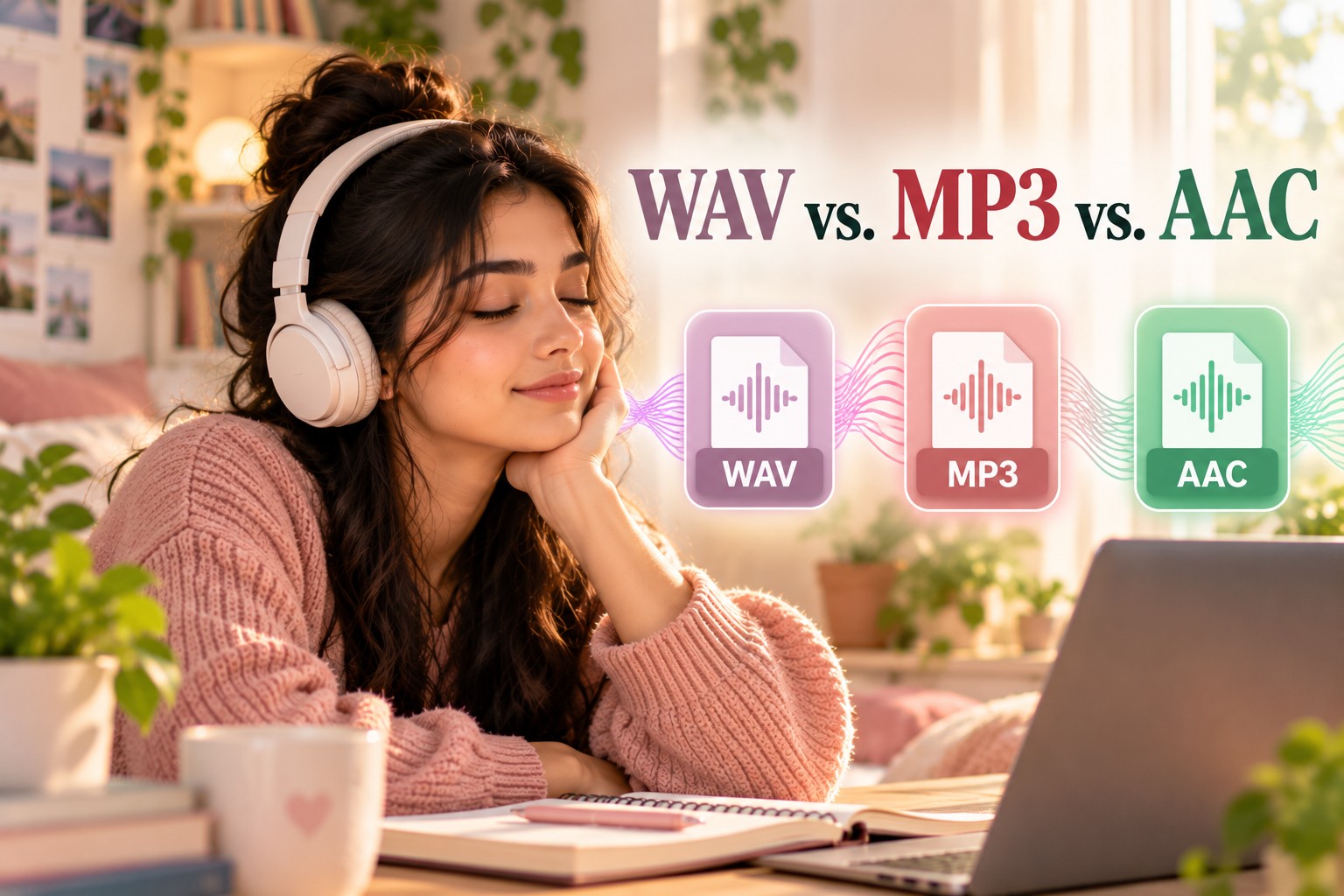
WAV vs. MP3 vs. AAC: How Subliminal Audio Formats Compare
Audio quality and detail
WAV keeps every detail, including the quiet affirmation layer, exactly as it was mixed. MP3 and AAC both discard some data, with AAC generally preserving a bit more than MP3 at the same bitrate. For subliminal tracks, where the detail you care about is intentionally quiet, lossless gives you the most faithful copy.
File size
WAV files are the largest, at roughly 10 megabytes per minute for CD-quality stereo. MP3 and AAC are much smaller, and a 320 kbps file runs about 2.4 megabytes per minute. If storage or sharing is a concern, a compressed copy is handy, as long as you keep the WAV original.
Compatibility
MP3 is the most universally supported format. AAC works across modern phones, computers, and streaming platforms. WAV plays on virtually every computer and phone and is the standard in professional audio work, although a few older or very small players handle it less smoothly.
Editing and re-exporting
WAV is ideal for editing, because you can process and re-render it without adding further compression. Lossy files lose a little more with each re-encode. Audio guides recommend doing all your edits in WAV and then exporting once to a compressed format only if you need one. Converting an MP3 back to WAV will not bring lost data back, but it does stop further loss while you work.
Best fit for subliminal tracks
For a personalized subliminal you plan to listen to for weeks or months, WAV is the safest master format, because it keeps the whole mix intact. MP3 or AAC works as a convenience copy when you need a smaller file, ideally at a high bitrate and encoded only once from your WAV master.
Keep your WAV as the master, and treat every other format as a copy.
Which Format Should You Use for Subliminal Audio?
Here is a simple way to decide.
If you are creating or downloading a personalized track for daily listening, keep the WAV file on your phone or computer and play it with a local player. That way, the audio is not re-compressed by anyone else along the way.
If you need a smaller copy for a device with limited storage, make an MP3 or AAC file from your WAV at a high bitrate, such as 320 kbps for MP3, and keep the original safe.
If you are comparing options, remember that streaming and video platforms generally apply their own lossy compression to uploaded audio. Audio forum volunteers point out that this can happen to a subliminal track on a streaming service, which is one reason many people prefer a file they can download and play directly.
How to Get a High-Quality WAV Subliminal With InnerBloom AI
If you would like a lossless, personalized track without learning audio software, this is where a tool like InnerBloom AI can be a natural next step. The flow is simple:
- Describe your intention in your own words, such as feeling calm and confident.
- Review the affirmations the AI drafts, and delete or soften any line that feels like a stretch.
- Choose a calming background sound, such as rain, brown noise, or 432Hz music.
- Download your lossless WAV file and save it to your phone or computer for offline listening.
Because the track arrives as a WAV, you are not managing export settings or worrying about format choices. If you ever want a smaller copy for sharing or storage, you can make one from the WAV and keep the original untouched. No tool can guarantee a particular outcome, but starting with a clean, transparent file gives your routine a solid foundation.
Frequently Asked Questions (FAQ)
What is the best audio format for subliminals?
WAV is generally the best choice for subliminal audio because it is lossless and keeps the quiet affirmation layer exactly as it was mixed. A high-bitrate MP3 or AAC file can work as a smaller copy, but it is best to keep the WAV original.
WAV vs. MP3: which is better for subliminals?
WAV is better for preserving the full mix, since MP3 discards some audio data to reduce file size, including sounds masked by louder audio. MP3 is better for small file sizes and wide compatibility. Many people use WAV as the master and MP3 as a convenience copy.
Is AAC better than MP3 for subliminal audio?
At the same bitrate, AAC generally sounds better than MP3, especially at lower bitrates. However, both are lossy formats, so for subliminal tracks a lossless WAV is still the most faithful option.
Do YouTube and Spotify compress subliminal audio?
Streaming and video platforms generally use lossy compression on the audio they deliver, which may affect very quiet layers. This is one reason many people prefer a downloaded file for subliminal listening.
Is a WAV file too big for my phone?
A CD-quality stereo WAV is about 10 megabytes per minute, so an 11-minute track is around 118 megabytes. Most modern phones handle that easily, and you can save space by deleting files you no longer use.
Can I convert an MP3 to WAV to restore the quality?
No. Converting a lossy file to WAV does not bring back data that was already removed. It does protect the file from further compression while you edit or play it.
Will a high-quality format guarantee results?
No. Audio format affects how faithfully a track is preserved, not what any listener will experience. Subliminal audio is a personal development tool, and no specific outcome is guaranteed.
Final Thoughts
Choosing between WAV, MP3, and AAC is not about being a perfectionist. It is about understanding that a subliminal track is built from quiet details, and that different formats treat quiet details differently.
Keep a lossless WAV as your master, use compressed copies only when you need them, and you will always have the cleanest version of your track to listen to.
If you are ready to create your own high-quality, personalized WAV subliminal, you can start with InnerBloom AI. Describe your intention, review every affirmation, choose a calming sound, and download your lossless audio.
Disclaimer: This article is for educational and informational purposes only and is not a substitute for professional medical, psychological, or psychiatric advice. Audio format comparisons are provided for general technical context, and actual results depend on codecs, bitrates, and playback equipment. Subliminal audio is a personal development tool that is popular within the manifestation and self-improvement community, and no outcome is guaranteed or implied. Individual experiences vary. If you have concerns about your mental or physical health, please consult a qualified healthcare professional. InnerBloom Subliminal Maker is a personal development tool intended for general mindset and wellness support.
Found this helpful? Share it with someone who needs it 💜